

Integration · MCP
Your gifting operation, drivable by agents.
Connect Claude, Cursor or Codex to TPP's MCP server to check orders, search products and send gifts with the permissions you have granted.
Some of our clients all around the world


The same API actions, now conversational.
The MCP server lets your assistant use TPP's public API. Each tool uses your key and respects its permissions.
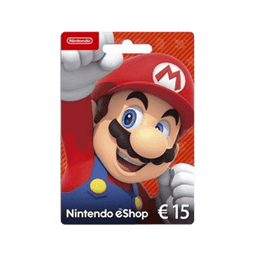
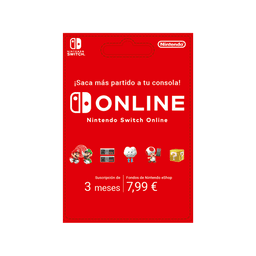
Search for gaming gifts in the catalog.
search_products{ "q": "gaming" }200
 PS5 Pro
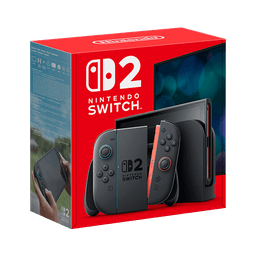
 Nintendo Switch 2
 Steam
Order the first one for this customer.
reserve_order{ "customer_id": "cus_2041", "quantity": 1 }201
Order #4821 reserved.
How many coins does the VIP segment have?
list_customers{ "segment_id": "vip" }200
Orders
List, read and create orders, with the same routing across suppliers and countries as the API.
reserve_orderlist_ordersget_ordercancel_orderCatalog
Search products, per-country pricing and availability in natural language, over the global catalog.
search_productsget_productlist_catalogsCustomers
Look up customers and their history so the agent can personalise every gift.
list_customersget_customeradjust_customer_coins
How to connect
Three steps to get your agent operating.
Connect your assistant over Streamable HTTP using a TPP API key.
01
Generate your key
Create a TPP API key with the exact scope you want to grant the agent.
02
Point to the MCP server
Add the /api/mcp endpoint in Claude, Cursor or Codex as an MCP server with your key.
03
Ask in natural language
The agent discovers the available tools and can use them with your key's permissions, without custom integration code.
tools/list200
The technical detail, in one article.
How TPP’s public MCP API works, which tools it exposes and end-to-end examples.
Read the article